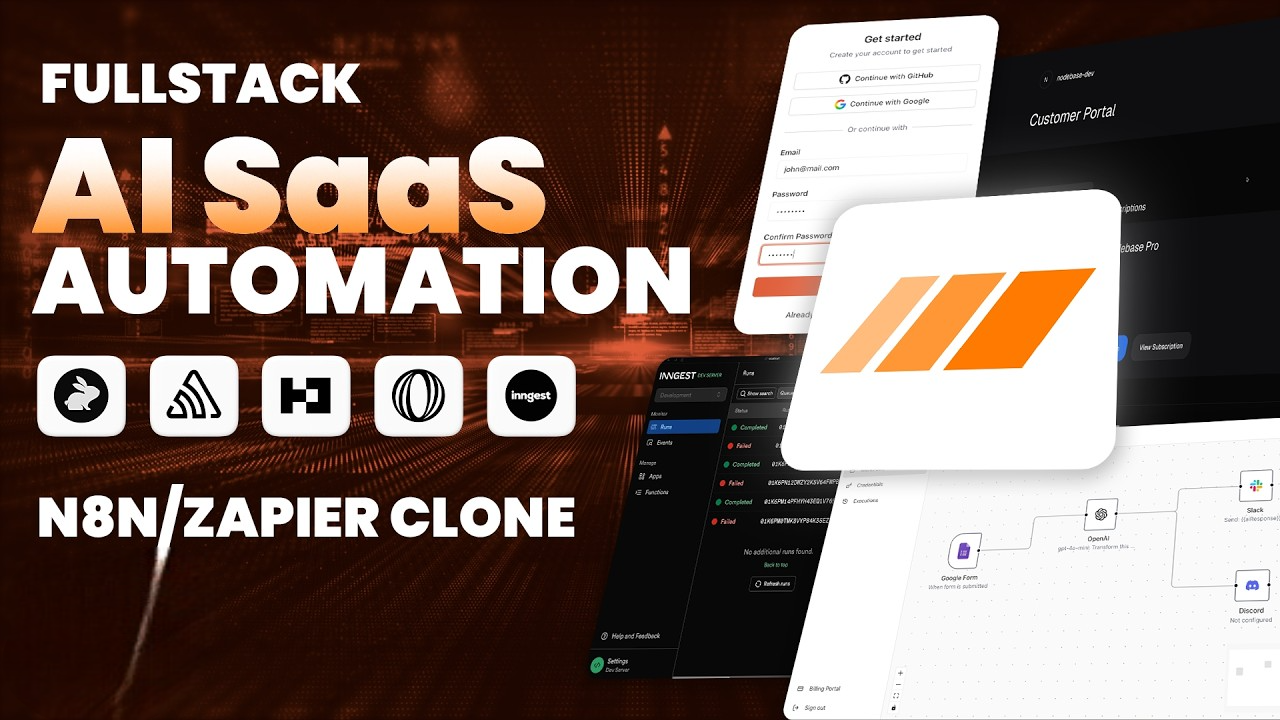
Nodebase Workflow Automation
2024
A complete workflow automation platform built from scratch with real-time execution, drag & drop canvas, integrations, and full SaaS infrastructure.
Overview
Every tool out there teaches you how to use N8N or Zapier, but I wanted something better—so I built my own. Nodebase is my complete workflow automation platform built from scratch: drag-and-drop canvas, real-time execution, powerful integrations, and full SaaS subscription infrastructure.
I built the entire software-as-a-service layer too—payments, subscriptions, free tier limits, metered usage, and paywalls. It’s a production-ready platform that can be deployed, sold, and scaled.
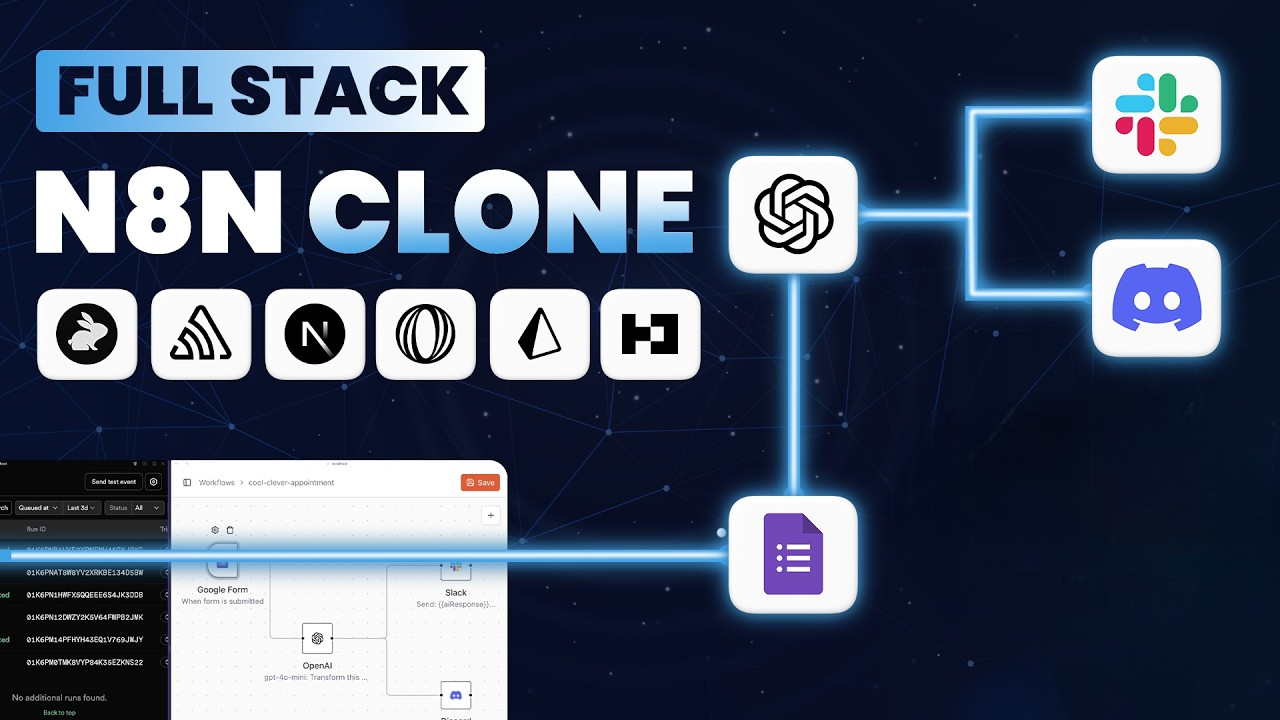
The heart of Nodebase is the visual automation canvas. I designed a clean and intuitive interface with trigger nodes and execution nodes. It supports webhook triggers, Google Form submissions, Stripe event listeners, and manual triggers. On the execution side, I implemented AI nodes such as OpenAI, Claude, and Gemini, messaging integrations like Discord and Slack, and a generic HTTP Request node. The architecture is modular, meaning new integrations—Airtable, Notion, SendGrid, and beyond—can be added easily without rebuilding core functionality.
A real example workflow inside Nodebase starts with a Google Form trigger for capturing customer feedback. When a response is submitted, the data is sent to OpenAI for analysis and summarization, and then the summarized output is posted directly into Discord and Slack to notify the team instantly.
Each node includes a configuration panel for mapping outputs from previous steps through visual templating. Data flows between nodes in real-time over WebSockets, and during execution every node updates live with success, failure, and progress states animated on the canvas so the workflow becomes visibly traceable.
Execution is powered by Ingest, which manages background jobs, retries, and real-time messaging to keep the interface responsive while workflows run in the background reliably and securely.
For the production environment, I use Prisma + Neon for a type-safe database layer, Better Auth for authentication, and Polar for payments including free and paid plans with usage-based billing. Code Rabbit handles AI-powered pull-request reviews, and Sentry provides monitoring and AI agent tracing, including model usage breakdowns, token cost, performance timing, and full visibility into every LLM interaction.
This is more than a typical development exercise. It represents a real-world full-stack product build with branching workflows, pull requests, AI-assisted review, production metrics, and full observability end-to-end.
Before starting development, I activated an offer for three months of Sentry Team free, and integrated AI monitoring throughout the system during development and testing.
Before we start: use the link to get 3 months of Sentry Team free—we'll use AI monitoring throughout this build.
Technologies
Key Features
- •Drag & drop workflow canvas
- •Realtime workflow execution & monitoring
- •Webhooks, AI & messaging integrations
- •Payments, subscriptions, and usage billing
- •Live status tracking and error visualization
- •Production-grade monitoring & LLM token insights
Challenges
Implementing realtime execution and monitoring without performance loss, and supporting complex node-based data flows.
Solution
Leveraged Ingest for background execution with WebSockets powering live UI updates, combined with a structured GitHub workflow pipeline and observability through Sentry.